
Education multimodal learning platforms for toddlers
Selecting verified multimodal learning platforms for toddlers represents a critical milestone for modern parents and early childhood educators aiming to balance cognitive development with healthy digital habits.
The integration of auditory, visual, and kinesthetic stimuli within a single application reshapes how young minds process language, numbers, and emotional cues.
This comprehensive guide details the neuroscientific foundations of multi-sensory software, practical evaluation criteria for family use, the mitigation of overstimulation, and effective parental controls.
What is a multi-sensory educational digital environment for early childhood?
A multi-sensory digital environment coordinates interactive touch gestures, vibrant animations, tailored soundscapes, and vocal feedback to create an immersive, responsive educational ecosystem.
Instead of encouraging passive video consumption, these applications require active physical and intellectual participation from the child to progress through storytelling narratives.
By engaging multiple sensory pathways simultaneously, the software accommodates diverse learning styles, helping toddlers form stronger neural connections related to spatial awareness and vocabulary acquisition.
This holistic approach ensures that digital exploration mimics real-world tactile play, reinforcing core concepts through repetitive, gamified problem-solving challenges.
These platforms serve as structured bridges between physical manipulation and abstract digital literacy, preparing young children for future academic environments.
The goal is to transform screen time from a sedentary distraction into a vibrant, adaptive laboratory for early cognitive discovery.
How do interactive interfaces support cognitive and fine motor development?
Physical interaction with a responsive screen demands precise hand-eye coordination, encouraging toddlers to master dragging, pinching, and targeted tapping motions.
Sensory feedback loops immediately reward accurate movements with cheerful sounds or character animations, reinforcing the child’s spatial judgment and kinetic control.
When utilizing high-quality multimodal learning platforms for toddlers, young users develop executive functioning skills by following multi-step visual and auditory instructions.
These activities stimulate the prefrontal cortex, enhancing working memory, selective attention, and the ability to switch between different simple categorization tasks.
Furthermore, combining spoken words with corresponding text and animations accelerates phonetic awareness and early literacy skills in native and secondary languages.
This multi-channeled reinforcement helps children internalize linguistic structures naturally, mimicking the organic way human brains absorb communication during early developmental years.
Which features distinguish premium early education software from generic media?
Premium early childhood software rejects fast-paced, flashing imagery and loud, erratic sound design, prioritizing calm, intentional pacing that respects a child’s attention span.
Superior platforms completely eliminate commercial advertisements, external links, and manipulative in-app purchase prompts that interrupt the educational focus.
Architects of quality applications collaborate with child psychologists and speech therapists to build developmental frameworks tailored to specific toddler age brackets.
These platforms focus heavily on open-ended exploration, allowing toddlers to experiment with digital painting, musical arrangement, and geometric puzzle assembly without penalty.
To assist families in selecting verified pedagogical software that aligns with global developmental standards, the table below categorizes leading platforms monitored by the Joan Ganz Cooney Center:
| Platform / Technical System | Core Sensory Inputs | Targeted Cognitive Milestone | Parental Dashboard Features |
| Khan Academy Kids | Audio narratives, tactile tracing, visual puzzles | Early literacy, logic, emotional regulation | Detailed progress reports, customizable paths |
| Endless Alphabet | Kinesthetic puzzle pieces, phonics, vocal humor | Vocabulary expansion, phonemic awareness | Minimalist design, zero administrative stress |
| Sago Mini World | Open-ended roleplay, tactile exploration, color | Creative problem-solving, spatial logic | Parent companion app, offline media access |
| Toca Life World | Narrative customization, multi-touch exploration | Social-emotional awareness, storytelling | Granular privacy settings, zero third-party ads |
Why is managing digital overstimulation essential for toddler neurological health?
Excessive exposure to rapid visual transitions and hyper-stimulating digital rewards can overwhelm a toddler’s developing nervous system, leading to irritability and sleep disruption.
Learn more: Gesture-Based Learning Systems for Toddlers: Teaching Without Touchscreens
Sensory overload occurs when an application prioritizes bright entertainment value over structured pedagogical substance, draining the child’s cognitive reserves.
Introducing deliberate offline intervals ensures that children translate digital insights into physical physical competencies through traditional block building and outdoor play.
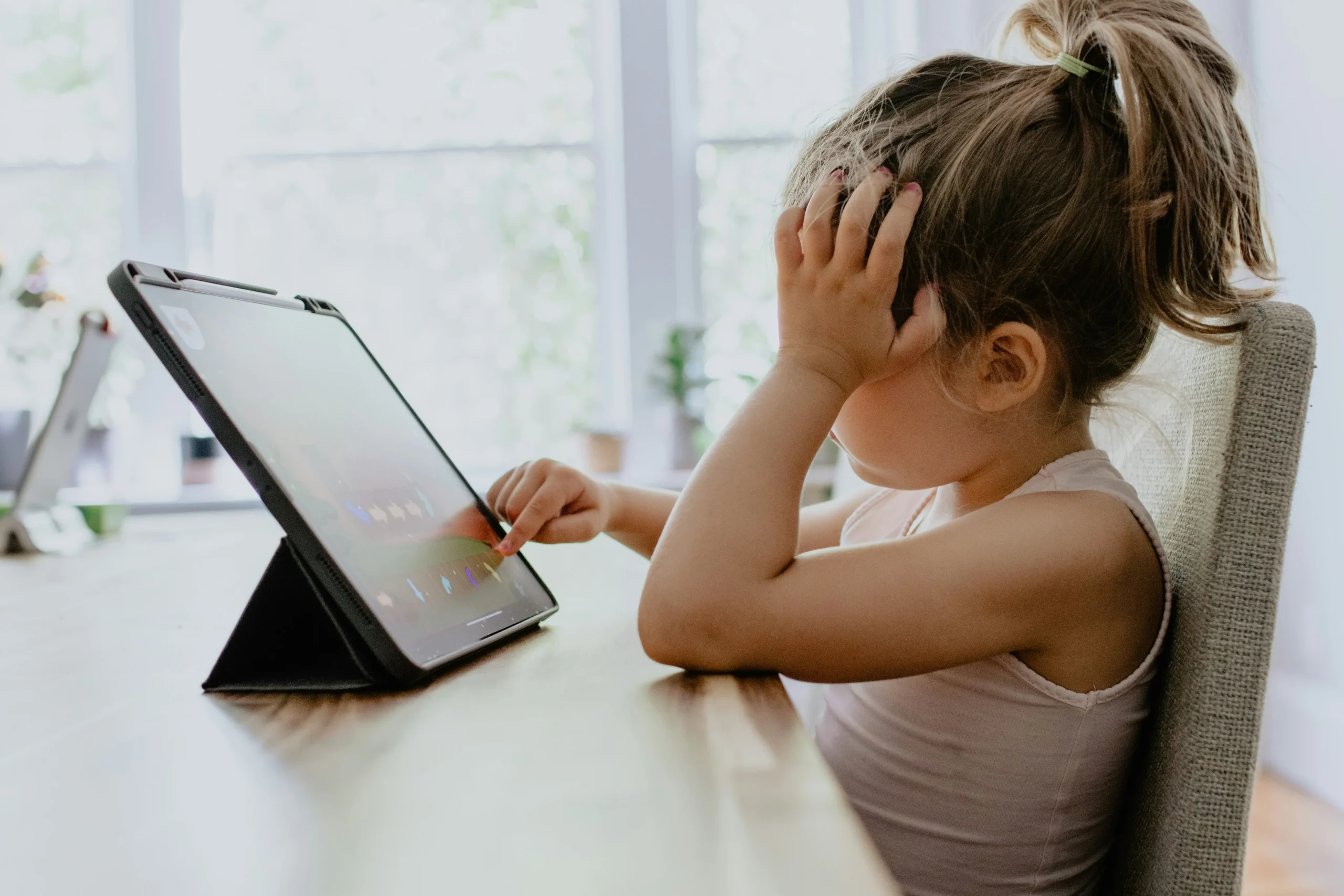
Balancing virtual multi-sensory inputs with raw tactile experiences prevents tech dependency while preserving the child’s natural curiosity for the physical world.
Therefore, selecting balanced multimodal learning platforms for toddlers requires analyzing how an application manages transitions and rewards within its internal loops.
Responsible developers incorporate soft color palettes, realistic acoustic instruments, and natural pauses to encourage reflection rather than compulsive, repetitive tapping behaviors.
When should parents implement structured co-viewing and interaction routines?
Active parental mediation during digital sessions doubles the educational value of early childhood software by anchoring virtual concepts into real-world family conversations.
Discussing the actions of on-screen characters helps toddlers contextualize emotional lessons, turning an independent activity into a shared communicative experience.
Read more: Early education learning analytics dashboards for teachers
Establishing consistent operational boundaries, such as utilizing built-in application timers, prevents transitional tantrums when it is time to turn off the device.
Utilizing screen time exclusively during morning or early afternoon hours prevents artificial blue light from interfering with the natural production of sleep hormones.
Configuring restrictive operating system profiles prevents accidental access to unverified internet browsers or premium digital storefronts during use.
Securing the device ensures a protected sandbox environment, allowing your toddler to explore early educational tech with complete safety and confidence.
Harmonizing technology and pedagogy for future generations
The evolution of early childhood software proves that digital devices can foster genuine curiosity and motor skill refinement when guided by rigorous pedagogical principles.
Learn more: How to Prepare Your Child for a Tech-Driven Future
Embracing multimodal learning platforms for toddlers allows families to cultivate digital literacy safely, preparing young minds for an increasingly interconnected global society.

By prioritizing platforms that value slow-paced exploration, emotional intelligence, and robust privacy protections, we safeguard the delicate architecture of early childhood.
Smart technology should always complement, never replace, the irreplaceable joys of messy, physical, real-world exploration and human connection.
For deeper technical research on media guidelines, screen time recommendations, and early childhood health standards, consult the official policy statements of the American Academy of Pediatrics (AAP).
Frequently Asked Questions (FAQ)
What is the recommended maximum daily screen time for a two-year-old child?
Pediatric health organizations generally recommend limiting digital media exposure for children aged two to five to a maximum of one hour per day. This screen time should focus exclusively on high-quality, interactive educational programming and should ideally involve active participation or co-viewing with a parent.
Can multi-sensory applications cause speech delays in young toddlers?
Passive television viewing has been linked to potential language delays, but interactive, multi-sensory applications that encourage vocalization and responsive play can actually support language acquisition. The key is choosing apps that emphasize phonics, slower pacing, and real-world conversational prompts.
How do I identify if an educational application contains hidden tracking or data privacy risks?
Always read the developer’s privacy policy on the app store to ensure compliance with children’s online privacy protection regulations. Premium educational apps will explicitly state that they do not collect personal identifiable information, location data, or voice recordings from young children.
Should I choose subscription-based early education platforms over completely free applications?
Subscription-based platforms often provide higher security, continuous content updates, and a complete absence of disruptive advertising or predatory paywalls. While some free apps from non-profit foundations are excellent, generic free applications often rely on ads that compromise user safety.
