Storytelling With Interactive Projection Mapping in Early Classrooms
Storytelling With Interactive Projection mapping is fundamentally altering how young children engage with narrative structures by turning cold classroom surfaces into living, breathing digital canvases.
Education in 2026 has moved far beyond the static boundaries of tablet screens and paper pages.
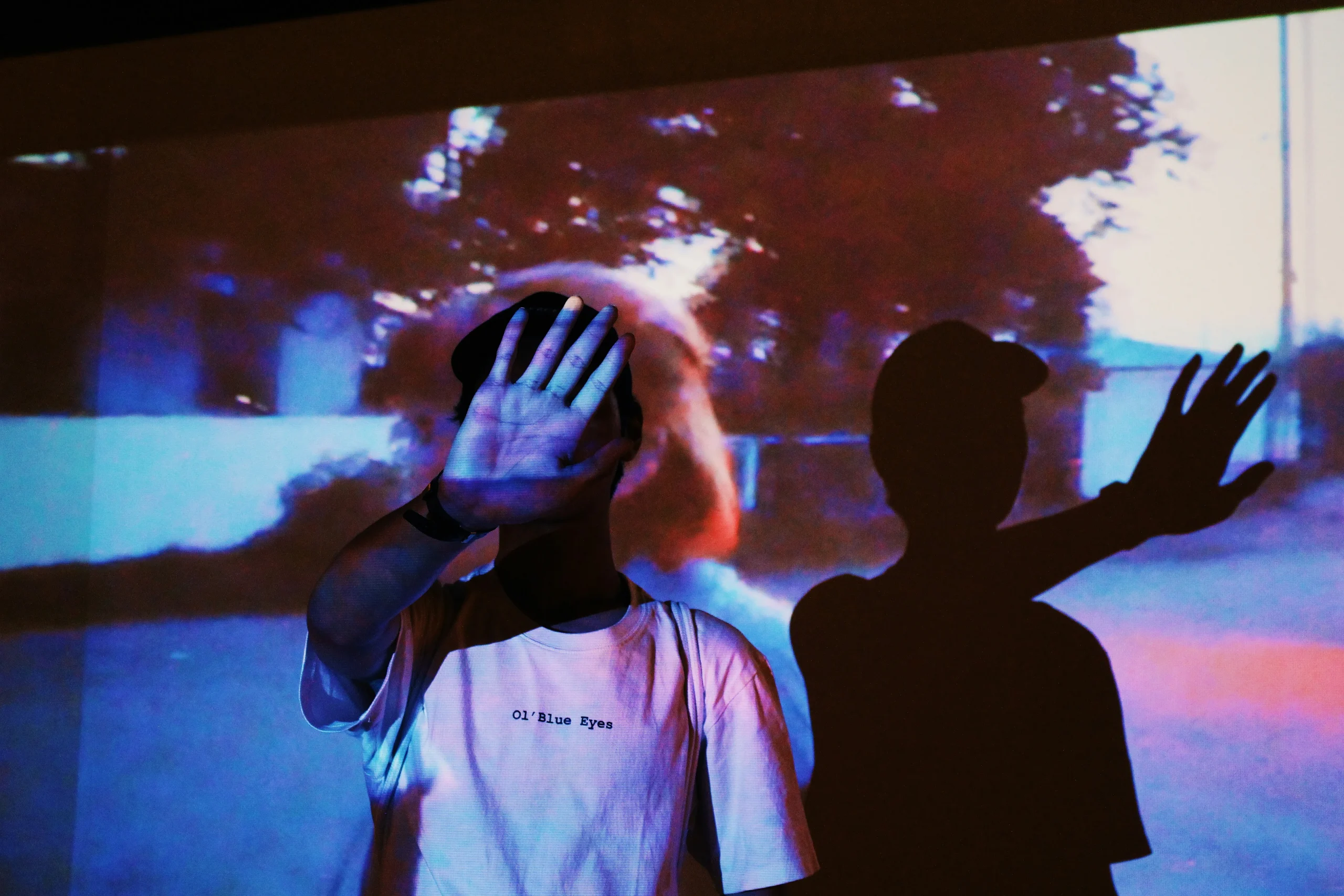
There is something profoundly intuitive, almost primal, about a child touching a wall and watching a forest grow or a character blink in response.
By merging the tactile nature of early childhood play with sophisticated motion-tracking technology, educators can create immersive environments that foster deep emotional connections to literacy and logic.
This guide explores the pedagogical shifts, the hardware reality, and the sheer magic of bringing spatial augmented reality into the early learning environment.
What is interactive projection mapping in early education?
In its simplest form, interactive projection mapping uses software to “wrap” digital content onto non-flat surfaces while utilizing sensors to track human movement.
Unlike a standard projector, which merely displays a flat, passive video, this technology treats the room as a 3D interface.
When Storytelling With Interactive Projection becomes part of the daily routine, children are no longer just observers; they are protagonists.
They can push digital objects, trigger sound effects, or alter the weather of a story through physical touch.
This creates a bridge between the digital world and the physical reality of the classroom, making abstract concepts concrete for developing minds that aren’t yet ready for purely symbolic learning.
How does interactive media improve literacy and retention?
Traditional reading relies heavily on a child’s ability to decode symbols, but interactive environments allow for a multi-sensory approach that engages the body as much as the eyes.
When a child physically “pushes” a digital cloud to reveal a hidden word, the brain creates a much stronger episodic memory of that specific learning moment.
This is kinesthetic learning in its purest form. Research suggests that for children under seven, movement isn’t a distraction, it’s the engine of cognition.
These experiences also strip away the isolation of modern tech; multiple students must often collaborate to solve digital puzzles projected on the floor, transforming a quiet reading task into a vibrant, social event.
Why choose projection over individual tablet devices?
While tablets offer personalized paths, they often lead to social isolation and a hunched, sedentary posture that educators are increasingly, and rightly, worried about.
There’s an unsettling trend of “heads-down” learning in early childhood. Projection mapping flips this by removing the personal screen and placing the focus back on the shared environment.
By implementing Storytelling With Interactive Projection, schools ensure that technology enhances human interaction rather than replacing it.
Children remain aware of their peers and their physical surroundings, maintaining that crucial “human element” that often vanishes the moment a child swipes a personal glass screen.
For a deeper look into the standards of digital citizenship and media literacy for young learners, the National Association for the Education of Young Children (NAEYC) provides excellent research-based resources.
Which hardware is necessary for a mapped classroom?
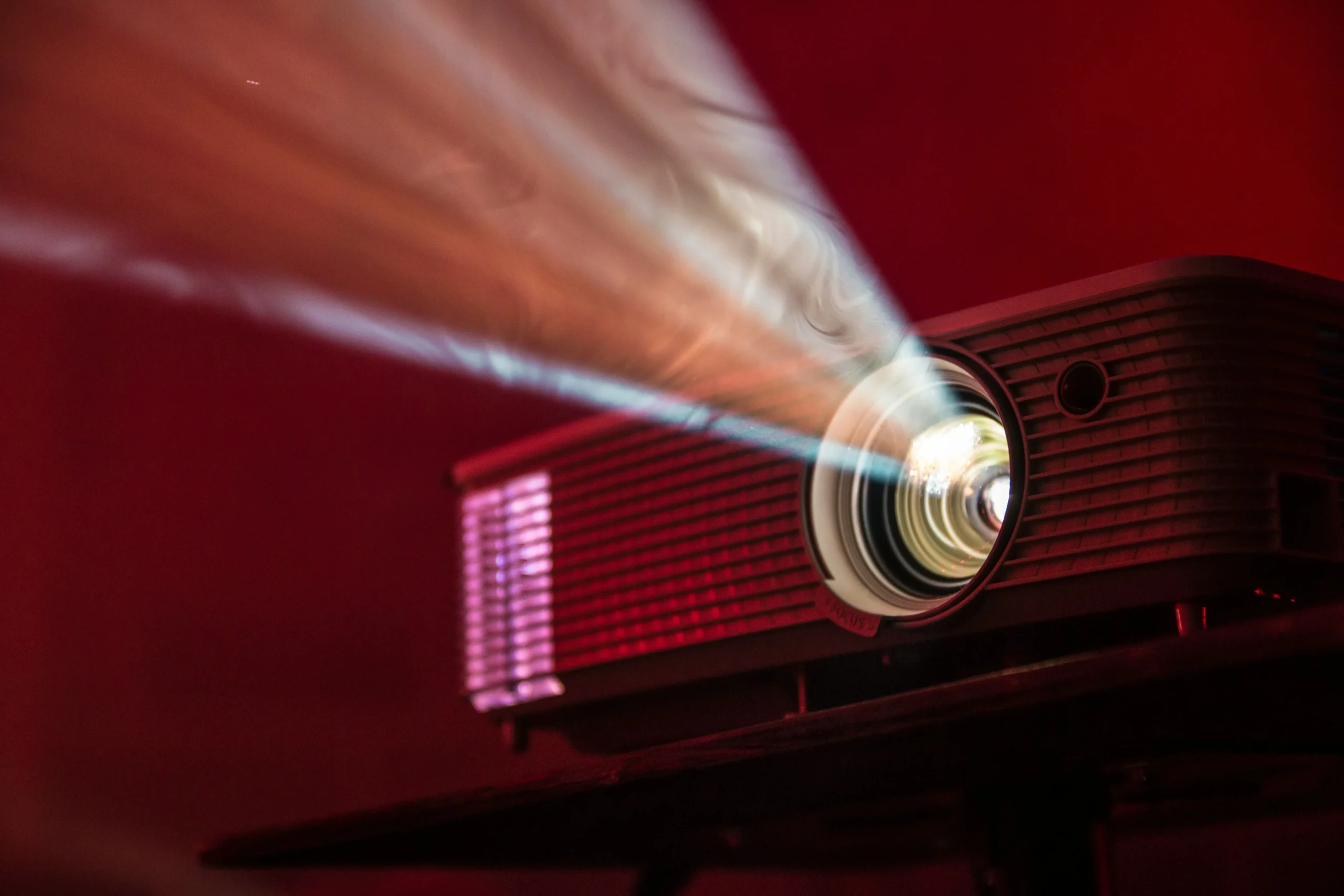
Implementing this technology no longer requires a Hollywood budget, thanks to the rise of affordable short-throw projectors and infrared depth cameras that have become surprisingly robust.
The core setup usually involves a high-lumen projector and a sensor like the Azure Kinect or specialized LiDAR units.
Read more: Digital Storytelling Through Voice Assistants: How Kids Create Narratives Using Only Speech
These sensors detect where a child’s hand touches the wall, sending that data to a computer that updates the visuals instantly.
Modern software has become “drag-and-drop,” allowing teachers without a lick of coding experience to create customized stories.
This accessibility ensures that the technology serves the teacher’s imagination, rather than forcing the curriculum to fit into the limitations of the hardware.
Traditional Media vs. Interactive Projection
The following table highlights the functional differences between classic storytelling methods and the new era of spatial augmented reality in schools.
| Feature | Traditional Picture Books | Individual Tablets | Interactive Projection |
| Social Engagement | High (with teacher) | Low (isolated) | Very High (collaborative) |
| Physical Activity | Low | Very Low | High (gross motor) |
| Sensory Input | Visual/Tactile | Visual/Auditory | Visual/Auditory/Kinesthetic |
| Attention Span | Medium | Variable | High (immersive) |
| Customization | Fixed | High | Very High (spatial) |
How do teachers integrate mapped stories into the curriculum?
Effective integration requires moving beyond “flashy visuals” and focusing on how the digital interaction supports specific learning objectives like numeracy or social-emotional skills.
A teacher might project a digital pond on the floor to practicing counting as students “step” on jumping frogs.
Read more: How VR Is Revolutionizing Teacher Training Programs
In another scenario, Storytelling With Interactive Projection could be used to explore geography by projecting life-sized artifacts that children can “handle” virtually.
The key is treating the projection as a digital toy box.
When used with purpose, it becomes a powerful medium for open-ended play and creative problem-solving that feels entirely natural to a child’s workflow.
When is the best time to introduce these technologies?
While some fear that technology might be too distracting, introducing interactive elements during the “Pre-Operational” stage aligns perfectly with a child’s natural tendency toward animism.
Young children already believe that the world around them is alive and responsive. Projection mapping validates this curiosity by making the environment actually reactive to their presence.
It is most effective when introduced as a supplemental tool for group activities or as part of a dedicated “Discovery Lab.”
By starting early, we teach children to see technology as a creative tool for expression rather than just a source of passive, dopamine-heavy entertainment.
What are the safety and ergonomic considerations?
Student safety is paramount, meaning projectors must be mounted securely and light paths should be angled to prevent direct glare into curious eyes.
Most professional installations use “ultra-short-throw” lenses, which sit incredibly close to the wall, significantly reducing shadows and eye contact with the beam.
Additionally, the content should be designed with “calm tech” principles, avoiding the jarring, high-frequency flashing common in consumer apps.
A well-designed system feels like a natural part of the room’s lighting. Ensuring the technology is physically and mentally “gentle” allows for longer, more productive learning sessions without the risk of overstimulation.
he future of the immersive early classroom
The transition toward spatial computing suggests that the physical walls of our schools will soon become windows into limitless worlds of imagination.
As we continue to refine Storytelling With Interactive Projection, we move closer to a truly inclusive educational model that caters to those who learn by doing, not just by listening.
The goal isn’t to replace the teacher or the physical book, but to provide a new dimension of engagement that sparks genuine wonder.
Learn more: Digital Storytelling and Interactive Books: Tools to Boost Early Literacy
By investing in these spatial tools, we are preparing students for a future where digital and physical realities are seamlessly intertwined.
The magic of a story told through light stays with a child far longer than a standard lecture ever could.
To explore more about the impact of spatial technology and digital learning environments, visit EDUCAUSE, a leading community for IT professionals in higher education and research.
FAQ: Frequently Asked Questions
Is projection mapping too expensive for public schools?
Costs have dropped significantly. While high-end setups are still an investment, basic interactive kits for single walls are now comparable to the cost of a few high-quality tablets.
Does it require a dark room to work?
Modern high-lumen projectors work well in normally lit classrooms, though drawing the blinds slightly will always make the “magic” feel more vivid and the colors pop.
Can teachers create their own content?
Yes. Many modern platforms offer “no-code” interfaces where teachers can upload their own drawings or photos to become interactive elements within the digital story.
Does this technology replace physical books?
Never. It is a supplemental tool. In fact, many successful programs involve children reading a physical book first and then “entering” that world through projection.
Is the equipment difficult to maintain?
Once calibrated, most systems are “plug-and-play.” Routine maintenance usually involves just cleaning the projector filter and checking for software updates once in a while.
